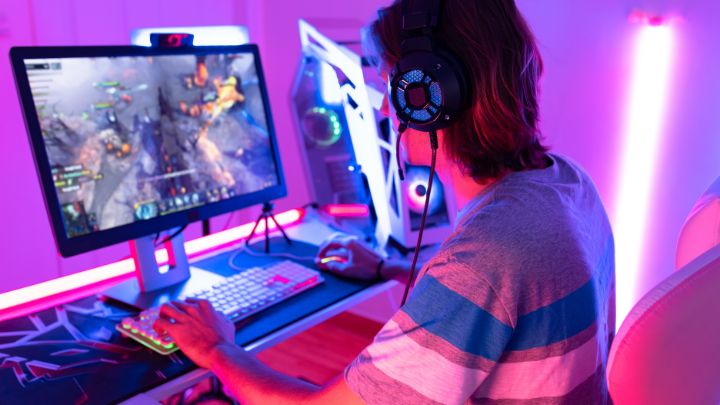
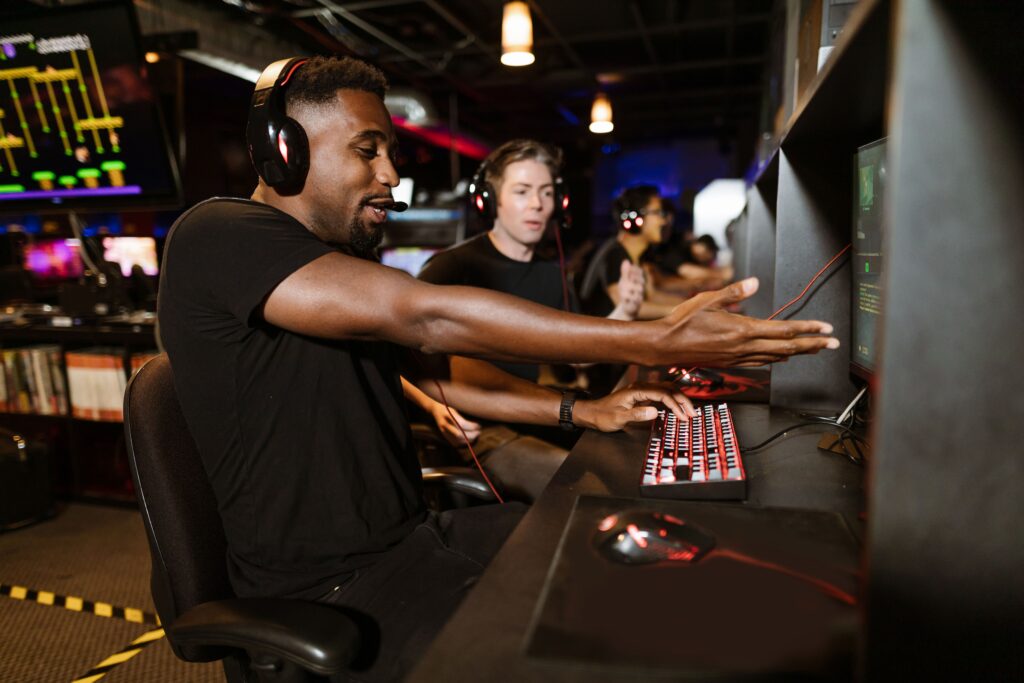
You spot an opponent, move to take the shot, and realize you’re already too late. Was your reaction slow, or was something else affecting your response?
Reaction time matters in competitive gaming, especially in fast-paced games where players need to respond quickly to what’s happening on screen. But how do you know how fast your reactions actually are?
Online tools like Human Benchmark make it easy to measure your visual reaction time in milliseconds. The challenge is knowing what those numbers mean and whether they tell you anything useful about your gaming performance.
Here’s how to test your reaction time, understand your results, and track changes over time.
What Does a Reaction Time Test Actually Measure?
Reaction time is the time between noticing a stimulus and responding to it.
For example, when a box on your screen changes color and you click your mouse, the test measures how long it takes you to respond.
However, not all reaction times are the same.
Simple Reaction Time vs. Choice Reaction Time
Simple reaction time measures how quickly you respond to one expected signal with a predetermined action.
For example, clicking your mouse as soon as a red box turns green.
Choice reaction time involves selecting the correct response from multiple possibilities.
In a competitive match, you might need to identify an opponent, decide whether to shoot or reposition, and then execute your movement.
That process involves more than reacting to a single visual cue.
Your overall response also depends on factors such as anticipation, decision-making, crosshair placement, and mouse control.
This is why a fast reaction-time test score doesn’t automatically mean you’ll perform better in a match.
How to Test Your Reaction Time Using Human Benchmark
One of the easiest ways to check your visual reaction time is through the free Human Benchmark Reaction Time Test.
The test measures how quickly you click after a visual signal appears.
Step 1: Prepare Your Setup
Before starting, make sure you’re comfortable and free from distractions.
Use your usual gaming computer, monitor, and mouse. Close unnecessary applications and avoid switching devices between testing sessions.
You don’t need expensive gaming equipment to take the test. What’s more important is using a consistent setup when comparing your results.
Step 2: Open the Reaction Time Test
Visit the Human Benchmark Reaction Time Test.
You’ll see a red screen with instructions to wait for it to turn green.
Click to begin.
Step 3: Wait for the Screen to Turn Green
After a short, unpredictable delay, the screen will change from red to green.
Click as soon as you see the green color.
Avoid trying to guess when the change will happen. Clicking too early results in a false start rather than a valid reaction-time measurement.
Step 4: Complete Multiple Attempts
Human Benchmark uses five attempts to calculate a result.
Rather than judging your performance from one click, complete the full set.
Your reaction time may vary between attempts, even when you’re using the same equipment.
Step 5: Record Your Results
After completing the test, note your average reaction time in milliseconds (ms).
You can repeat the test during future sessions to see whether your results change.
For more useful comparisons, keep your equipment and testing conditions as consistent as possible.
How to Understand Your Reaction Time Results
Reaction time is measured in milliseconds.
One second equals 1,000 milliseconds, so a result of 250 ms means your recorded response took approximately one-quarter of a second.
A lower score means a faster response on that particular test.
According to Human Benchmark’s published statistics, its reaction-time test reports:
- Median reaction time: 273 ms
- Average reaction time: 284 ms
These numbers provide context, but they shouldn’t be treated as universal standards for competitive gamers.
Human Benchmark results come from people using different devices, browsers, and testing conditions. The participants also aren’t necessarily representative of professional or competitive players.
Instead of focusing entirely on how your score compares with other people, pay attention to your own results over time.
For example, if your usual result is around 270 ms, an occasional 240 ms attempt doesn’t necessarily mean your reaction time has permanently improved.
Similarly, one slower result doesn’t automatically mean your reactions are getting worse.
Look for patterns across multiple testing sessions.
Why Your Reaction Time Score Changes
You might notice that your reaction time is faster on some days and slower on others.
Several factors can influence the result.
1. Hardware and Input Latency
Your reaction-time score isn’t determined entirely by how quickly your brain responds.
Your monitor must display the visual change, and your computer must register your mouse click.
Display latency, mouse input, browser behavior, and other system delays can influence the recorded result.
For example, switching from a gaming monitor to a laptop or touchscreen device may change your score even if your actual response ability hasn’t changed.
That’s why it’s difficult to compare results fairly across different hardware setups.
For consistent tracking, use the same equipment whenever possible.
2. Familiarity With the Test
Your first attempt may be slower simply because you’re unfamiliar with the test.
As you repeat it, you become more comfortable with the instructions and timing.
Research on repeated reaction-time testing has identified practice effects, meaning participants can improve their scores as they become familiar with a task.
This doesn’t necessarily mean their underlying reaction ability has improved by the same amount.
A practical approach is to complete a few practice attempts before recording your results.
3. Sleep and Fatigue
Your ability to maintain attention can change depending on how rested you are.
Research on sleep deprivation and sustained attention has found that insufficient sleep can contribute to slower responses and lapses in attention.
You may still record an occasional fast reaction while tired, but your performance across repeated attempts can become less consistent.
If you’re comparing reaction-time results across different days, consider noting how much sleep you had and whether you felt mentally fatigued.
4. Attention and Distractions
Reaction-time tests require you to stay focused on a visual signal.
If you’re distracted, checking another screen, or thinking about something else, your response may be delayed.
This is another reason why one unusually slow result shouldn’t be treated as a definitive measure of your reaction ability.
Does a Faster Reaction Time Mean Better Gaming Performance?
Not necessarily.
A simple reaction-time test measures how quickly you respond to a predictable type of visual signal.
Competitive gaming involves more complicated decisions.
In a tactical shooter like Valorant or Counter-Strike 2, you may need to recognize an opponent, determine whether they’re a threat, position your crosshair, and decide when to shoot.
Even if two players have similar reaction-time scores, their performance in a match can be very different.
Consider three important factors.
Crosshair Placement
Good crosshair placement reduces the distance you need to move your mouse before taking a shot.
A player who anticipates where an opponent might appear may need less adjustment than someone reacting from an unfavorable position.
Anticipation and Game Sense
Experienced players often recognize patterns in opponent movement, positioning, and timing.
This allows them to prepare for situations before they happen rather than relying entirely on raw reaction speed.
Decision-Making
Reacting quickly isn’t always the same as making the right decision.
Sometimes the better play is to hold an angle, reposition, or wait for more information.
A reaction-time test cannot measure all these aspects of gameplay.
Think of your reaction-time score as one useful measurement, not a complete assessment of your gaming ability.
How to Track Your Reaction Time Over Time
If you want to monitor your reaction time, consistency matters more than chasing your fastest individual score.
Here’s a simple approach you can follow.
1. Start With a Baseline
Complete a few practice attempts, then record your results from several valid trials.
This gives you an initial reference point.
2. Use the Same Equipment
Keep your computer, monitor, mouse, and browser consistent.
Changing your setup can affect your scores and make comparisons less meaningful.
3. Record More Than Your Fastest Attempt
Your fastest click might not represent your typical performance.
Record your average or median reaction time across several attempts.
The median is the middle result when your scores are arranged from fastest to slowest. It can be useful when one unusually slow attempt affects the average.
4. Repeat Under Similar Conditions
Try testing at a similar time of day and at a consistent point in your gaming routine.
For example, you could test before your usual gaming session.
You don’t need to test constantly. The goal is to collect enough consistent observations to recognize patterns.
5. Keep a Simple Tracking Log
You can use a spreadsheet or notebook to record your results.
| Date | Average Reaction Time | Median Reaction Time | Notes |
|---|---|---|---|
| Day 1 | 265 ms | 260 ms | First session |
| Day 2 | 258 ms | 255 ms | Well rested |
| Day 3 | 274 ms | 268 ms | Felt tired |
Example results for illustration only.
After several sessions, review your results.
Are your scores generally consistent? Do you notice larger variations when you’re tired? Are your recorded results changing over time?
These observations may help you better understand your performance on the test.
Remember that improvements in a browser-based test don’t automatically demonstrate improvements in actual gameplay.
Frequently Asked Questions
What is a good reaction time for gaming?
There isn’t one universally accepted reaction-time score that defines a good gamer.
Human Benchmark reports a median of 273 ms and an average of 284 ms among its recorded results, but these aren’t competitive gaming standards.
Your reaction-time score also depends on the test, hardware, and testing conditions.
Why is my reaction time slower on my phone?
Touchscreen input, display behavior, and other hardware differences can affect reaction-time measurements.
If you normally test using a gaming PC and mouse, switching to a smartphone may produce different results.
For meaningful comparisons, use the same device.
Can you improve your reaction time through practice?
Repeated testing can improve your performance on a particular reaction-time task, partly because you become more familiar with it.
However, a faster test score doesn’t necessarily mean you’ll react faster in every gaming situation.
Practicing relevant in-game skills, including positioning, anticipation, and decision-making, addresses aspects of performance that a simple reaction-time test doesn’t measure.
Final Thoughts
Testing your reaction time is a simple way to learn more about how quickly you respond to visual signals.
Tools like Human Benchmark give you an accessible starting point, but the results need context.
Your hardware, attention, familiarity with the test, and testing conditions can all influence your score.
Rather than comparing yourself with every other player, establish your own baseline and monitor your results over time.
And remember, competitive gaming involves more than fast reflexes. Knowing when to react, where to aim, and what decision to make can matter just as much as how quickly you click.