
Every player must confront the same truth.
Uncontrollable latency. Disrupted flow. Performance losses that cripple clutch plays.
Too often, the answer is seen as additional hardware.
Not for the disciplined competitor.
They seek optimization first.
Reconnaissance Before Upgrades
Your first step is always assessment.
How does your current hardware perform under pressure?
Measure FPS during gameplay. Record input delay.
Tools like FRAPS or MSI Afterburner will reveal your current latencies.
Analyze your network stability with ping tests and packet loss measurements.
Identify the bottlenecks — GPU, CPU, RAM, or network.
Stabilize your foundation before considering upgrades.
The Latency Stack Breakdown
Performance can crumble under layers of unnecessary delay.
Focus on: display latency, peripheral latency, network delay, and system response.
First, your display settings.
Refresh rates should be set to match your monitor’s specifications. Aim for at least 144 Hz for fast-paced titles.
Next, peripheral configuration.
Polling rate of gaming mice should be set to a minimum of 1000 Hz.
Dynamic sensitivity settings through tools like Logitech G Hub or Razer Synapse offer competitive edge.
Hardware Configuration for Maximum Performance
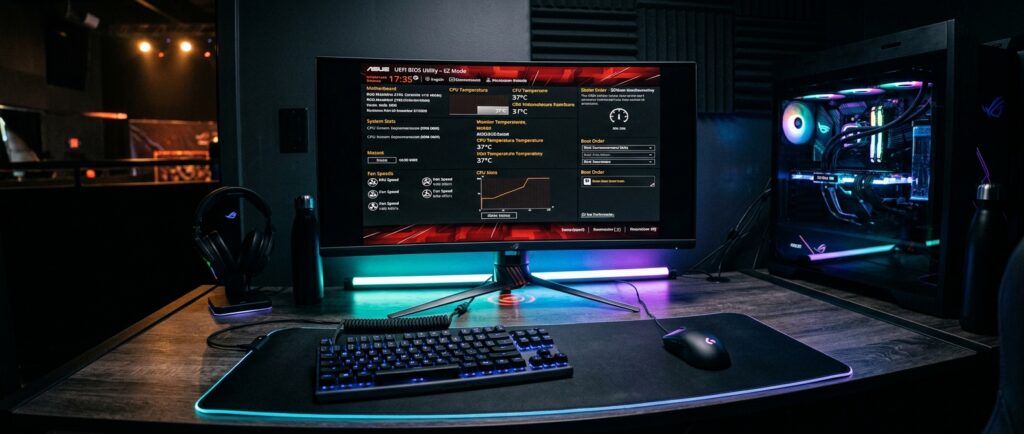
Look deeply into your BIOS settings.
Ensure memory timings are optimized. Adjust voltage settings to stabilize performance.
Consider enabling XMP profiles for RAM. This configures it for optimal speed and efficiency.
Mismatched frequencies create bottlenecks.
Thermal and Power Stability
An overheating CPU or GPU becomes a silent enemy.
Maintain thermal profiles under load; temperature spikes beyond 85°C can throttle performance.
Use applications like HWMonitor or CoreTemp to scrutinize temperatures.
Ensure adequate cooling systems are installed and can handle long gaming sessions.
Ergonomic Positioning for Endurance
Long hours at the desk demand correct posture.
Your chair should support your back. Monitor height must allow for a straight line of sight.
Keyboard and mouse should form an angle that maintains wrist comfort.
Small adjustments here accumulate into increasing your endurance during critical matches.
Tactical Takeaways
- Benchmark your system using FPS and latency measurements before upgrades.
- Optimize graphics settings to match your hardware’s capabilities with consistent refresh rates.
- Regularly tune your BIOS settings for memory and processor efficiency.
- Monitor temperatures to prevent thermal throttling.
- Reassess ergonomic positioning for sustained performance.
Don’t allow hasty upgrades to mask deficiencies in configuration.
Hardware does not win matches. Disciplined configuration does.